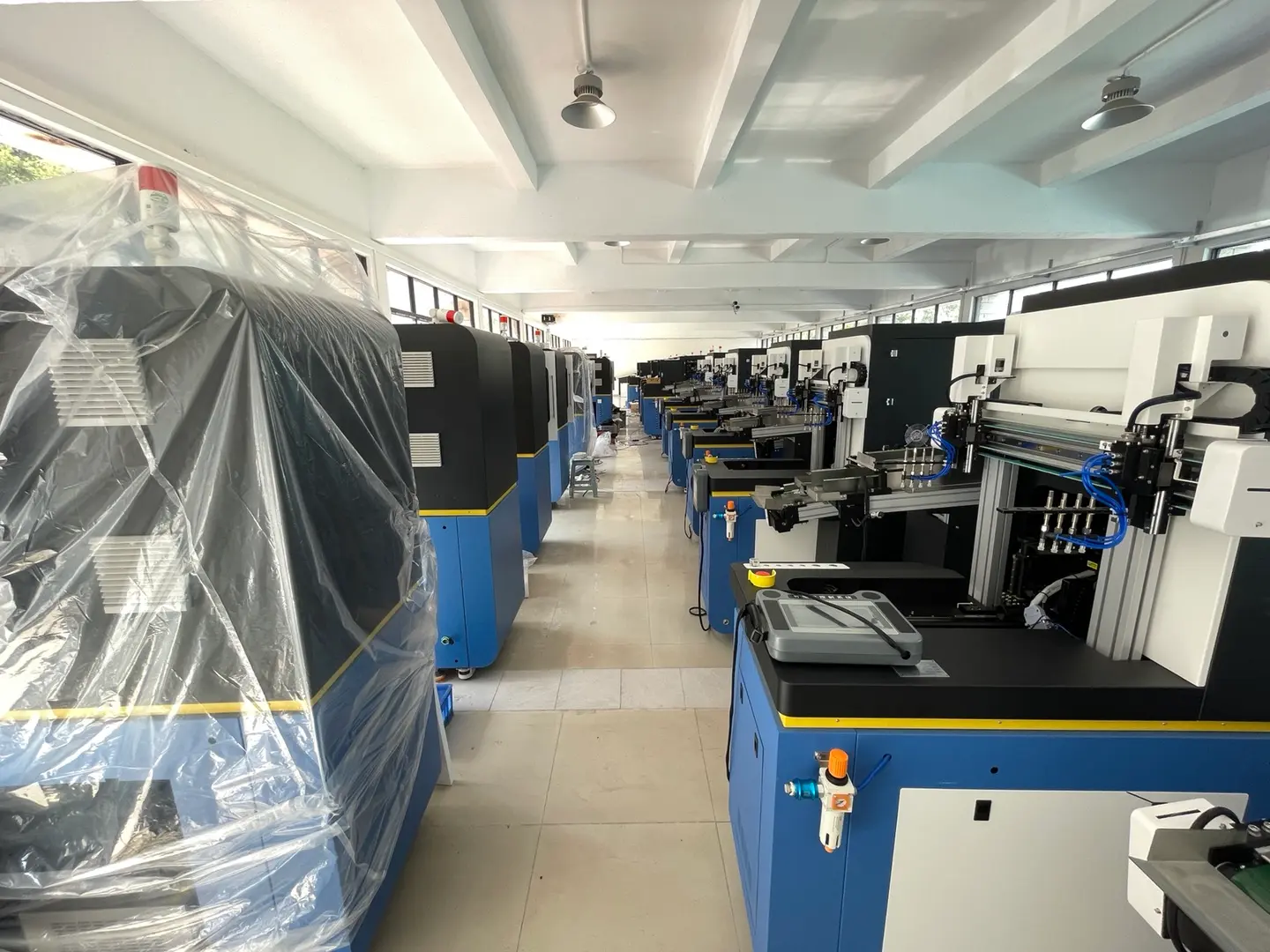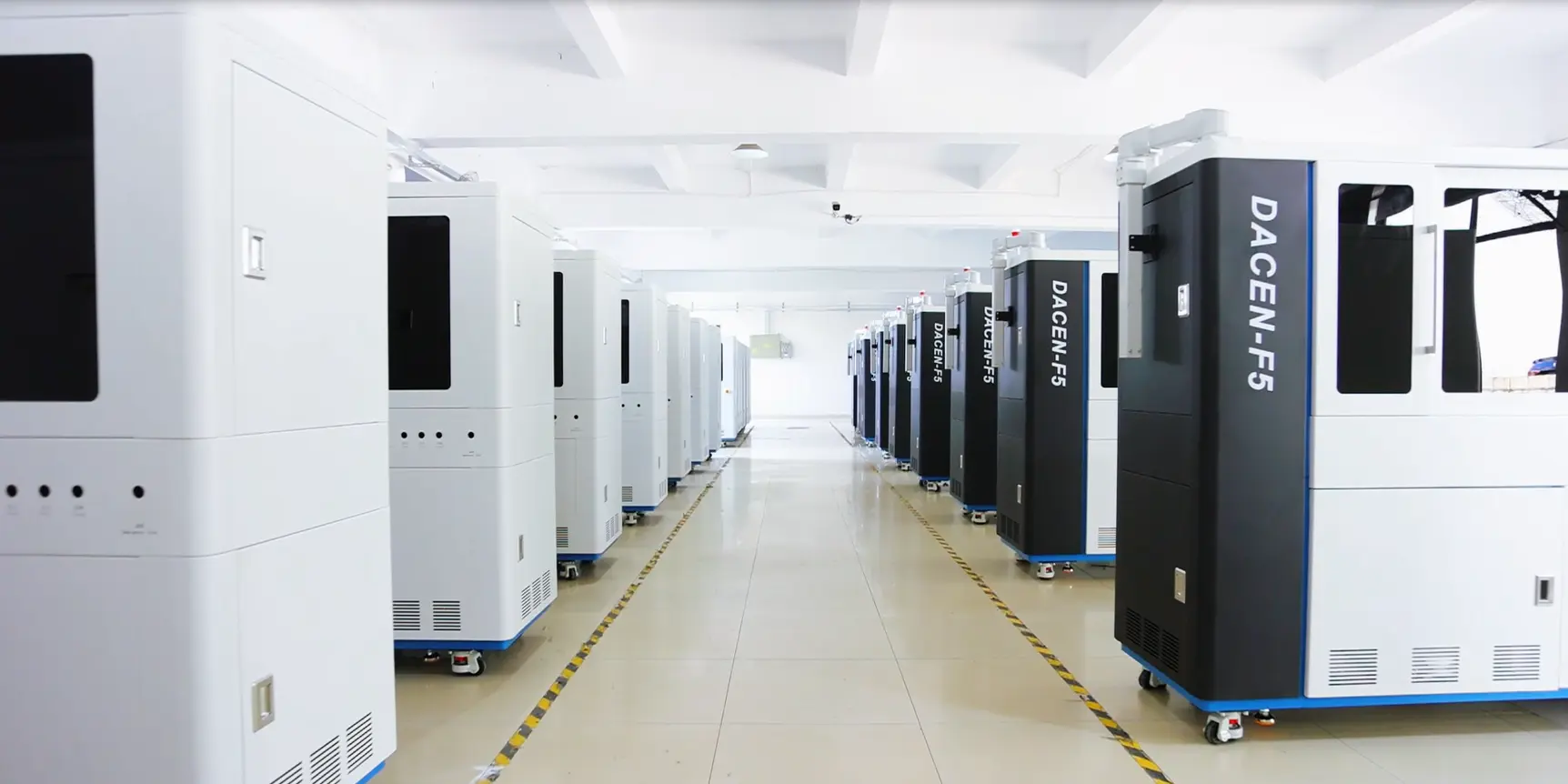


A profitable print shop can still feel as if every new round of growth sends money straight back into equipment. More orders may require more machines, while customers who were once satisfied with basic full-color decoration may later ask for finer output, greater surface-height capability, smoother tonal transitions or specialty finishing.
That creates two very different reasons to reinvest in a cylindrical UV printer:
- Capacity: there is more of the same profitable work than the current equipment can produce in time.
- Capability: customers are requesting commercially important work that the current equipment cannot reliably qualify.
A recent Dacen discussion illustrated this tension with a viewer comment about multiple four-color machines that had already recovered their investment before some customers began asking for more advanced output. The comment is not an audited customer case, but the situation captures a real planning problem: a machine can remain productive while a growing part of the order mix moves beyond what it was originally purchased to do.
The goal is not to buy the newest or highest-specification machine whenever the market changes. It is to identify a measurable commercial constraint, confirm that new equipment actually solves it, and check whether the expected contribution can justify the investment.
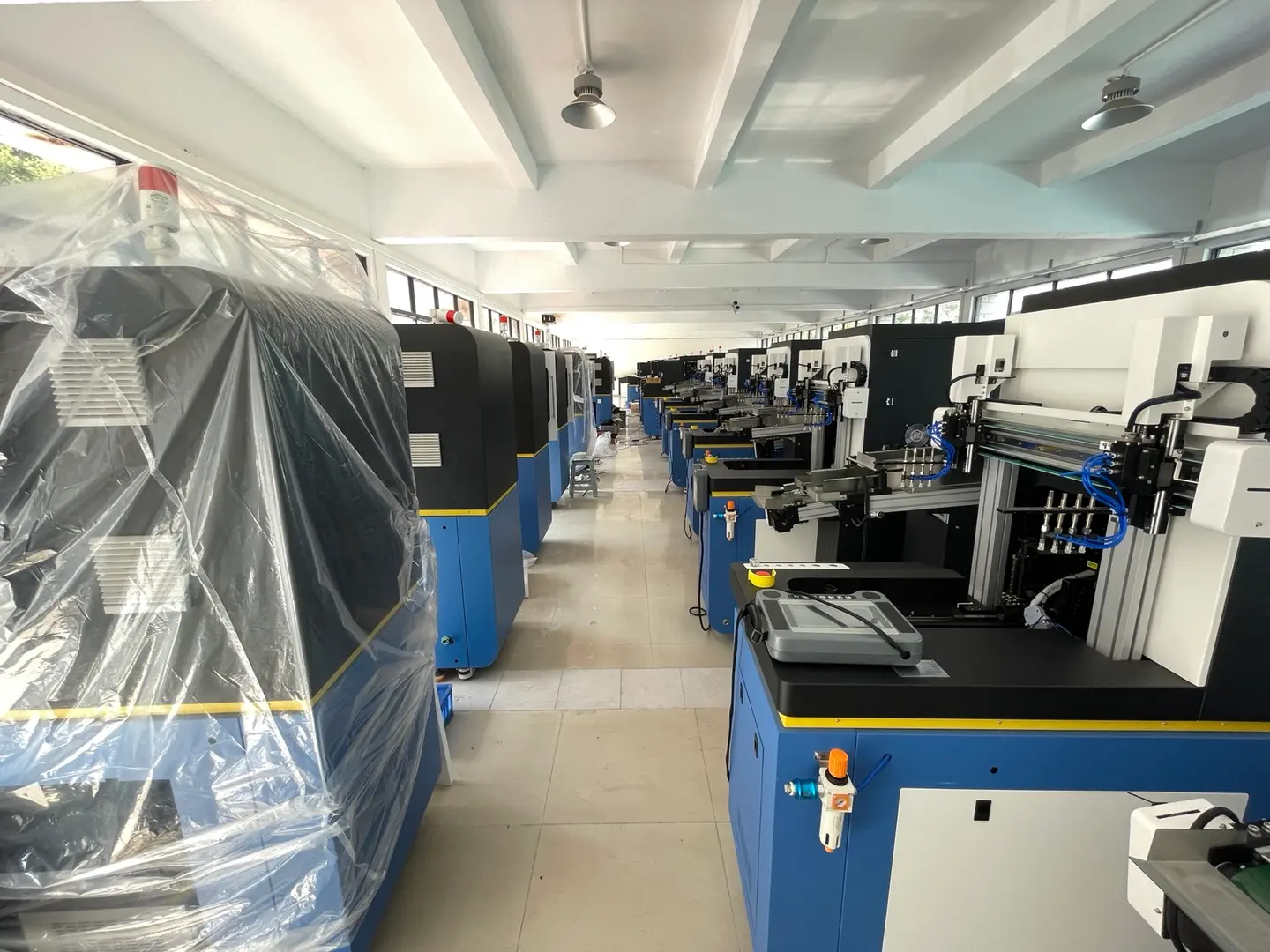
A profitable print shop can still feel as if every new round of growth sends money straight back into equipment. More orders may require more machines, while customers who were once satisfied with basic full-color decoration may later ask for finer output, greater surface-height capability, smoother tonal transitions or specialty finishing.
That creates two very different reasons to reinvest in a cylindrical UV printer:
Capacity: there is more of the same profitable work than the current equipment can produce in time.
Capability: customers are requesting commercially important work that the current equipment cannot reliably qualify.
A recent Dacen discussion illustrated this tension with a viewer comment about multiple four-color machines that had already recovered their investment before some customers began asking for more advanced output. The comment is not an audited customer case, but the situation captures a real planning problem: a machine can remain productive while a growing part of the order mix moves beyond what it was originally purchased to do.
The goal is not to buy the newest or highest-specification machine whenever the market changes. It is to identify a measurable commercial constraint, confirm that new equipment actually solves it, and check whether the expected contribution can justify the investment.
Quick UV Printer Upgrade Decision Framework
| What You Are Seeing | Likely Issue | First Action |
|---|---|---|
| Profitable orders are delayed because usable machine hours are full | Capacity | Measure utilization and evaluate similar capacity or handling automation |
| Customers request products or effects the current system cannot qualify | Capability | Test a complementary configuration on the actual lost jobs |
| The machine should be capable, but quality is inconsistent | Process | Fix fixture, maintenance, color, adhesion or operator issues before buying |
| Only occasional jobs require the missing feature | Low-frequency capability gap | Compare outsourcing with dedicated capital |
| Demand is mostly forecast rather than paid or repeat business | Forecast risk | Collect order evidence before committing capital |
| Downtime, support problems or operating cost are the constraint | Lifecycle or reliability | Compare service, repair and replacement economics |
Dacen's current guide to choosing a cylindrical UV printer by production workflow explains how product geometry, production volume and machine class fit together. An upgrade decision starts one step later: what evidence shows that your present setup has become a commercial constraint?
Why Successful Print Shops Can Face Recurring Capital Pressure
Adding equipment is not automatically evidence that the earlier purchase was wrong. If the same profitable jobs are filling available machine time, more capacity can be a normal result of growth.
The harder pressure comes from changing customer expectations. The progression discussed in the Dacen conversation was not a fixed industry timeline, but it is a useful way to think about capability drift:
basic full-color output → finer print expectations → more difficult surface geometry → higher color demands → additional decorative effects
That sequence matters because each step can call for a different response. A throughput problem may be solved with another similar machine or a multi-station cylindrical UV printer. A geometry problem may require a different fixture or high-drop-capable system. A color complaint may require better profiling, a different print mode or a different ink configuration rather than more mechanical capacity.
The viewer comment in the discussion also raised the familiar idea of wishing the shop had bought a more advanced configuration from the beginning. That feeling is understandable after customer requirements change, but it does not prove that buying every available feature early would have produced the best return. Unused capability still ties up capital and may add maintenance or workflow complexity.
First Diagnose Capacity, Capability or Process
Before requesting a quotation, review recent delayed, lost and outsourced jobs. Classify the reason rather than grouping every problem under "we need a better printer."
Capacity Evidence
A real capacity constraint should be visible in the production record. Track machine time in categories such as:
- productive printing time;
- setup and fixture changeover;
- scheduled and unscheduled maintenance;
- waiting for products, artwork or operators;
- idle time;
- overtime, backlog and jobs delayed because machine time was unavailable.
If productive demand is repeatedly occupying the usable production window and profitable jobs are being deferred, another machine may solve a real constraint. If the printer spends large periods waiting on artwork, fixtures, operators or upstream preparation, more hardware may simply add another machine that waits.
Capability Evidence
For each job the current system cannot qualify, record four things:
- frequency: how often the requirement appears;
- contribution: how much profitable business is attached to it;
- recurrence: whether it is a repeatable order pattern or a one-off inquiry;
- qualification: whether the proposed new configuration has actually passed the product and artwork test.
This separates a commercially meaningful capability gap from an attractive feature with no credible utilization path.
Process Problems Should Be Fixed Before Hardware Is Blamed
If the current equipment should be able to produce the job, check the existing process first. Fixture control, print gap, maintenance, adhesion preparation, color management, artwork, ink settings and operator method can all affect output. A new machine cannot solve a process problem simply by being newer.
Dacen's UV printer printhead selection guide makes the same broader point: print quality and production performance depend on the complete validated printing system, not one headline specification.

When Adding Similar Capacity Makes Sense
Adding another similar cylindrical printer is easiest to justify when the process is already proven and the bottleneck is clearly machine availability.
Look for evidence such as:
repeat orders that are profitable at the current quality standard;
recurring delays because available machine hours are occupied;
overtime that has become a normal part of production rather than an occasional peak;
outsourcing used mainly because internal capacity is full;
stable fixtures, acceptable yield and trained operators;
enough downstream labor to inspect, pack and move the additional output.
A similar platform can simplify training, scheduling and spare-parts planning, but only if the exact configuration still matches the work. For a smaller-capital reference point, compare the current desktop cylindrical printer class. For dedicated higher-production work, Dacen also publishes the F5 UV cylinder printer. These are machine-class examples, not automatic upgrade recommendations.
Capability Upgrades: Color, Geometry and Specialty Effects
A capability upgrade should begin with an order requirement, not a feature list. The three examples below show why the underlying business problem matters more than the specification name.
4-Color vs 6-Color: Test the Artwork That Is Causing the Upgrade
A standard four-color process uses CMYK. Some six-color UV systems add light cyan and light magenta. Mimaki, for example, documents UV configurations using Lc and Lm and states for selected systems that these light colors can help reproduce smoother subtle tones and gradations.
See Mimaki's official explanation of Lc/Lm light-color configurations and tonal reproduction.
That does not make six color universally better. The result still depends on the complete printer, ink set, profiles, screening, pass mode, droplet behavior, artwork and viewing requirement.
If customers are rejecting specific gradients, photographic areas or tonal transitions, test those exact files on both configurations. The upgrade has commercial value only if the difference is visible at the required quality standard and appears often enough in profitable work to justify the added investment.
High-Drop Is a Geometry Requirement
High-drop capability addresses surface-height variation, not color-channel count. Before investing for this reason, document the actual products that fail on the existing workflow, the highest and lowest printable areas, the required edge quality and how often those orders occur.
Dacen publishes a cylindrical high-drop application example and separate guidance on printing products with significant height variation. Treat published clearance or drop figures as screening information only; the actual product still needs to be qualified on the proposed setup.
Foiling and Metallic Effects May Add a Separate Workflow
Metallic or gold-style requests should not be assumed to be ordinary CMYK printing. Dacen's UV digital foiling guide describes one workflow that uses a printed specialty layer followed by foil film and heat. That means a specialty effect can introduce extra consumables, handling and production steps.
Before buying around a decorative effect, verify whether it is produced entirely on the printer or requires additional equipment, media or operator work. If only occasional orders need it, outsourcing may remain the stronger economic choice.

Add Capacity, Add Capability, Outsource or Wait?
Once the problem is classified, there are four common responses.
- Add similar capacity when the current process sells well and machine availability is the measurable bottleneck.
- Add complementary capability when repeatable profitable work is being lost because of a technical limitation.
- Outsource when the demand exists but is too irregular to support dedicated capital or specialized maintenance.
- Wait and validate when the requirement is mainly forecast, inquiry or sales expectation rather than repeat order history.
Replacement is a separate decision. Consider it when downtime, unavailable support, rising operating cost or strategically important capability gaps make the existing machine economically weak. A newer model by itself is not evidence that a productive machine should be retired.
Calculate Simple Payback Before Reinvesting
The Dacen discussion raised a real risk: a shop can feel that a machine has only just recovered its cost when customer requirements change again. That is a possible investment scenario, not a fixed UV printer lifecycle.
For a first commercial screen, use a simple payback calculation:
Simple payback period in months = net installed upgrade investment ÷ incremental monthly contribution created by the upgrade
Net installed investment can include the equipment, freight, installation, required fixtures, software, initial consumables, training and facility changes that exist because of the upgrade.
The denominator should not be gross sales. Estimate the additional contribution attributable to the new capacity or capability:
Incremental monthly contribution = additional or retained revenue − additional variable production costs − new recurring costs caused by the upgrade
Use business that is currently delayed, refused, outsourced or unavailable because of the present limitation. Dacen's earlier guidance on controlling cylindrical printing cost can help identify operating-cost inputs that belong in the calculation.
Simple payback is a screening tool, not a complete ROI or capital-budgeting model. Financing, tax, depreciation, residual value and the time value of money may matter to a full investment decision, especially for larger purchases. The article therefore does not use an industry-average recovery period.
What Evidence Should Exist Before You Buy?
A printer upgrade is easier to defend when the evidence comes from the existing business rather than from feature expectations.
| Evidence | What to Record | What It Should Prove |
|---|---|---|
| Capacity constraint | Productive hours, setup, maintenance, idle time, overtime, backlog and delayed jobs | More equipment will increase sellable output rather than idle capacity |
| Capability demand | Request frequency, order value, expected contribution and recurrence | The missing feature solves repeatable commercial demand |
| Current outsourcing | Jobs sent outside, lead time, retained margin and business lost | Internal production may create enough additional contribution |
| Sample qualification | Actual products, artwork, fixture, print mode, accepted quality and repeatability | The proposed configuration actually solves the problem job |
| Support path | Training, parts, service, software and maintenance requirements | The upgrade can remain usable within the shop's technical resources |
| Conservative payback | Installed investment and incremental contribution under realistic utilization | The economics still work without optimistic sales assumptions |
A strong approval case normally has four parts at the same time: a measurable problem, a machine or workflow that solves it, a passing real-product test and an acceptable conservative payback.
What Does "Obsolete" Mean for a Working UV Printer?
A machine is not automatically obsolete because a newer model exists.
Capacity obsolescence means the machine still produces acceptable work but not enough of it. Additional capacity or automation may solve the problem.
Capability obsolescence means the machine cannot meet a growing share of commercially important requirements. This is closest to the situation raised in the Dacen discussion: customer expectations change while the equipment may still operate normally.
Support obsolescence occurs when parts, software, calibration knowledge or service become difficult to obtain, increasing downtime risk.
Economic obsolescence occurs when the machine still works, but labor, maintenance, downtime or workflow inefficiency makes another production route commercially stronger.
None of these should be defined by a fixed number of years.
Future-Proof Without Buying Every Feature
Future-proofing is useful only when the headroom matches a credible business path. Review the next machine against six areas:
- Product headroom: the next group of realistic bottles, cups or cylindrical SKUs.
- Capacity headroom: how much growth is available before another bottleneck appears.
- Color and layer flexibility: configurations the business has a credible reason to sell.
- Geometry: whether products are becoming more tapered, recessed or height-variable.
- Automation path: whether loading and unloading can evolve if handling becomes the bottleneck.
- Support and financial headroom: whether the shop can maintain the system and carry the capital without unrealistic first-month utilization.
Maximum specification in every category is not the goal. The goal is enough useful headroom to avoid a foreseeable constraint without paying for capabilities that have no credible path to production.
Test the Next Machine on Three Types of Work
Before approving an upgrade, use samples that represent the actual commercial problem.
1. Current Core Work
Run the products and artwork that already generate reliable business. A new machine should not introduce a regression in a workflow that is currently successful.
2. Work You Are Currently Losing
Test the real gradients, additional color requirements, irregular geometry, high-drop products, specialty decoration or repeat-volume jobs that are driving the upgrade discussion.
3. Credible Near-Term Work
Include products already appearing in serious customer inquiries or the sales pipeline, but keep forecast opportunities separate from repeat paid orders.
For each test, record the machine configuration, product, fixture, ink channels, print mode, total production cycle, operator involvement, accepted quality, repeatability and maintenance implications. The same sample-first principle is emphasized in Dacen's printhead and system qualification guidance.
FAQ
Q: When should I buy a second cylindrical UV printer?
A: Consider another similar machine when profitable work is repeatedly constrained by available machine time, the current process is stable, downstream labor can handle the additional output and the extra capacity produces an acceptable payback. If orders are being lost because of a missing feature, another identical machine may not solve the problem.
Q: Should I buy the highest-spec UV printer from the beginning?
A: Not by default. Extra capability is valuable when there is a credible path to using it. Otherwise it increases capital and may add maintenance or workflow complexity before the work exists. Buy useful headroom for foreseeable demand rather than every available feature.
Q: Is a 6-color UV printer better than a 4-color printer?
A: Not universally. Some six-color UV systems add light cyan and light magenta, and official manufacturer documentation shows that those light colors can support smoother subtle tones on selected systems. The commercial decision should still be based on tests using the actual artwork and required quality standard.
Q: How do I calculate payback on a UV printer upgrade?
A: For a simple screen, divide the net installed upgrade investment by the incremental monthly contribution created or retained by the upgrade. Use real lost orders, outsourcing, capacity constraints and recurring costs where possible. This is simple payback, not a complete ROI analysis.
Q: When is outsourcing better than upgrading?
A: Outsourcing can be stronger when the missing capability is requested infrequently, demand is uncertain, the required equipment would be underused or the specialty workflow adds significant maintenance and operator complexity. Revisit the investment when recurring outsourced work and lost contribution become large enough to support a measurable internal production case.
Upgrade When the Evidence Aligns
A print shop does not need a new cylindrical UV printer every time the market adds a new feature. It needs a new investment when the present equipment creates a measurable commercial constraint that another machine or workflow can solve.
Separate capacity from capability. Record productive time instead of relying on a feeling that the shop is busy. Track the frequency and contribution of work the current system cannot qualify. Test the proposed configuration on the actual problem jobs. Then calculate simple payback from the contribution the upgrade can realistically create.
If the evidence supports additional capacity, compare current cylindrical UV printer options and production architectures. If the problem is a specific capability, qualify that feature before expanding the fleet. To review a real upgrade case, Contact Us.