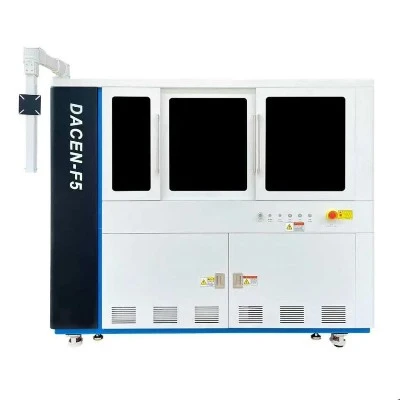


What Is a UV Printer? How It Works, Uses & Costs
A UV printer is a digital inkjet machine that uses ultraviolet light to cure specially formulated ink onto a material's surface. The light triggers a chemical reaction that turns liquid ink into a solid film, rather than relying primarily on evaporation or absorption.
UV printers are used for signs, personalized gifts, industrial components, packaging prototypes, and decorative panels. Their main appeal is the ability to print digital artwork directly onto compatible materials, including many surfaces that do not absorb conventional ink.
Choosing the right system takes more than checking its resolution or print area. The ink must adhere to your material, withstand the product's intended use, and produce acceptable results at a workable cost.
How does a UV printer work?
The printing process has three main stages:
1.The printheads deposit small ink droplets onto the material according to the digital artwork.
2.A UV light source exposes the deposited ink.
3.Photoinitiators in the ink absorb that energy and initiate polymerization, forming a solid polymer film.
Typical UV inks contain pigments, reactive monomers and oligomers, photoinitiators, and additives. Their formulation affects the cured film's adhesion, flexibility, and resistance to wear.
UV-LED lamps versus conventional UV lamps
UV printers generally use UV-LED light sources or conventional mercury-based lamps. LED systems typically offer lower heat output, lower energy consumption, and longer light-source life, although performance depends on the equipment and application.
Lower heat output can help when printing on suitable heat-sensitive materials. The light source and ink must work together. UV LEDs emit a relatively narrow wavelength band, so an ink formulated for one curing system may not cure correctly under another. Phoseon's wavelength guidance explains why matching the ink chemistry to the light source matters.
Rapid curing reduces drying delays. Adhesion and durability still require separate checks on the finished product.
What types of UV printers are available?
The right configuration depends on the shape, size, and volume of the products you intend to print.
| UV printer type | Typical applications | What to check |
|---|---|---|
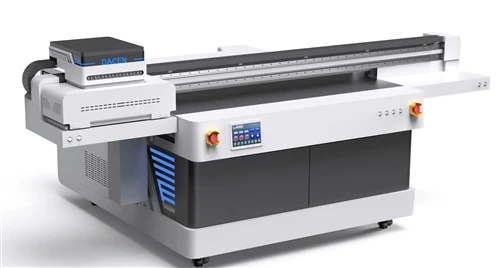
| Flatbed UV printer | Rigid signs, panels, gifts, and flat objects | Usable bed area, object height, weight limits, and positioning |
| Roll-to-roll UV printer | Compatible films, labels, banners, and flexible graphics | Media handling, tension control, and ink flexibility |
| Hybrid UV printer | Rigid sheets and roll media | Changeover requirements, floor space, and performance on both formats |
| Cylindrical UV printer | Bottles, cups, tubes, and containers | Supported diameters, object geometry, rotary fixtures, and print coverage |
A flatbed printer's maximum object height does not mean it can print equally well across every surface of a tall object. Changes in surface height affect the distance between the printhead and the print surface.
Curved products introduce further constraints. A rotary attachment may support certain cylindrical items, but compatibility still depends on the object's shape and the equipment's handling system.
What materials can a UV printer print on?
With a suitable ink system and preparation process, UV printing can be used on acrylic, PVC, wood, glass, metal, ceramic tiles, leather, coated paper, and selected flexible materials.
A material appearing on a compatibility list does not guarantee that the finished print will meet your durability requirements.
Glass, metal, and some plastics may need a primer or surface treatment. Surface cleanliness, coatings, and material composition also affect adhesion.
| Material or product | Practical consideration |
|---|---|
| Acrylic and PVC signs | Confirm adhesion on the exact sheet grade and surface finish |
| Wood panels and gifts | Test the actual surface, including any coating |
| Glass and ceramic tiles | Evaluate pretreatment and adhesion |
| Metal parts and panels | Identify the metal and any existing surface coating |
| Leather and flexible products | Check whether the cured ink tolerates the required bending |
| Dark or transparent objects | Evaluate white ink opacity and layer order |
| Bottles and drinkware | Confirm fixture compatibility, printable area, and intended use |
Rigid and flexible products may require different ink formulations. An ink that performs well on a hard panel may crack when bent.
What do white ink and varnish do?
White ink provides an opaque layer that helps colors remain visible on dark or transparent materials. It is often printed beneath the color image, although the layer order depends on how the finished graphic will be viewed.
Clear ink, often called varnish, can create spot gloss, matte effects, raised textures, or decorative finishes on supported systems.
These layers also affect production time and ink consumption. A sample printed in CMYK alone will not show the full cost or speed of a job that requires white ink and varnish.
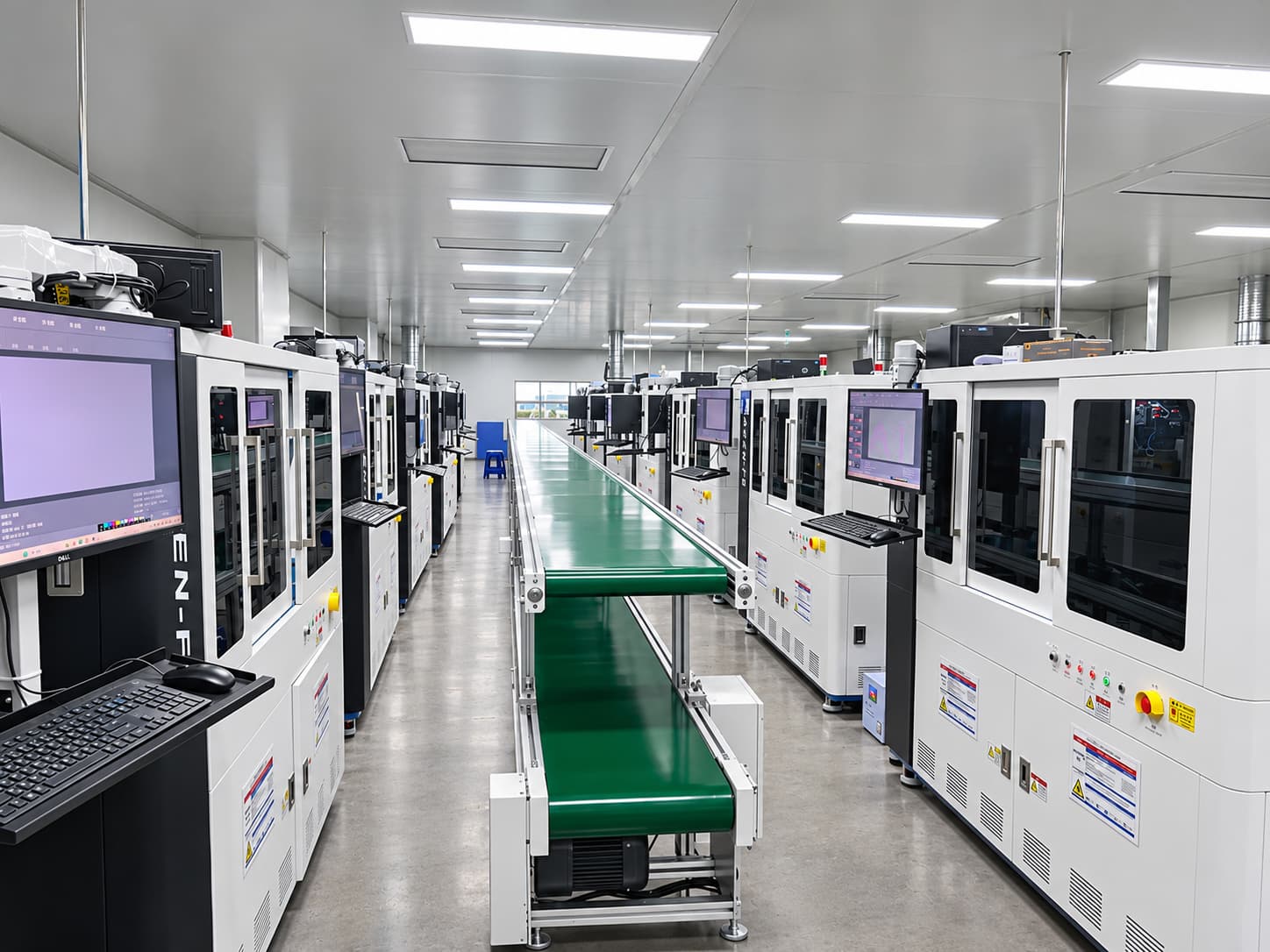
Common UV printing applications
Typical applications include commercial signage, promotional products, personalized gifts, architectural panels, packaging samples, automotive components, and industrial control panels.
For each application, test the actual production material. A successful print on one acrylic sheet, coated metal panel, or bottle does not establish compatibility with every similar-looking product.
UV printing versus DTG, sublimation, latex, and screen printing
Each process suits different products and production requirements.
| Printing method | Common applications | Main strengths | Main limitations |
|---|---|---|---|
| Digital UV inkjet | Rigid products, signs, and industrial decoration | Direct printing, variable artwork, white ink, and decorative effects | Adhesion, flexibility, maintenance, and equipment cost |
| DTG printing | Cotton garments and apparel | Detailed garment graphics and a relatively soft print feel with suitable settings | Fabric preparation and drying or curing requirements |
| Dye sublimation | Polyester products and suitably coated items | Durable images with little added surface feel | Requires compatible materials and heat |
| Latex printing | Flexible signs, decals, and banners | Flexible graphics and productive roll-media workflows | Heat requirements and media compatibility |
| Screen printing | Repeated designs in larger runs | High throughput and competitive unit costs for suitable jobs | Screen preparation and setup make frequent design changes less convenient |
UV inkjet is a useful option when you need short runs, individual names or designs, direct decoration of rigid products, or white and clear ink effects.
For example, a batch of 100 acrylic signs with different artwork can suit a digital workflow because each design can change without making a new screen. Whether UV printing is the most economical option still depends on preparation, handling, print time, and finishing.
For soft cotton garments, DTG is usually a more appropriate starting point. Sublimation suits compatible polyester products and coated blanks. Latex is an alternative for many flexible graphics, while screen printing can be economical for repeated designs at volume.
Food packaging and sensitive applications
Standard UV ink should not automatically be treated as suitable for food contact.
Food packaging requires an assessment of the ink, substrate, package construction, curing conditions, and potential migration. Even the suitability of individual ink ingredients does not establish compliance of the finished printed article, as explained in EuPIA's food-contact materials guidance.
Sensitive indoor applications may also require evaluation of the specific ink system's emissions and intended use.
From artwork to finished print
A reliable workflow includes file preparation, color management, material preparation, and inspection.
1.Prepare artwork at the correct dimensions, using suitable vector elements and sufficiently detailed images.
2.Select color profiles and settings appropriate to the printer, ink, and material.
3.Use raster image processor software, or RIP software, to control layout, print mode, ink limits, and special-color layers.
4.Define white ink and varnish areas where required.
5.Prepare and position the material, then print a sample.
6.Check appearance, positioning, adhesion, curing, and required durability before starting the production run.
Follow the ink supplier's recommended conditions and evaluation timing when testing samples.
What determines print quality?
Advertised DPI describes one aspect of a printer's capability. It does not independently determine the quality of a finished print.
Printhead technology, droplet size, carriage accuracy, pass count, ink formulation, color profiles, and curing settings all affect the result.
Evaluate fine text, edges, gradients, solid colors, and white ink opacity using your own artwork. A supplier's demonstration image may not reveal the problems that matter for your products.
What determines production speed?
Actual output depends on print mode, image coverage, white ink and varnish layers, material preparation, and loading and unloading time.
For purchasing decisions, measure acceptable finished items per hour in the configuration you will use.
Ask the supplier to include setup and handling time in the demonstration. Record the settings so that another sample or competing printer can be evaluated under comparable conditions.
How much does a UV printer cost?
Print area, printhead configuration, ink channels, automation, and service arrangements account for much of the difference.
The following manufacturer references show the spread between equipment categories:
Operating costs to include
- The purchase price is only part of the investment. A useful ownership estimate includes:
- Color ink, white ink, and varnish
- Primers, cleaning fluids, and other consumables
- Ink used during cleaning and maintenance
- Printheads, maintenance components, and curing-system servicing
- Electricity, ventilation, and facility requirements
- Labor, training, rejected items, and downtime
- Spare parts, warranty coverage, and technical support
For each ink channel, a basic calculation is:
Ink cost = Ink consumption in mL × Ink price per mL
Add the costs for all channels used. Then account for maintenance consumption and rejected prints, rather than dividing only the ink deposited in the image by the number of items.
To estimate the full production cost, also include the substrate, pretreatment, labor, finishing, and an appropriate maintenance allowance.
Maintenance requirements
Routine work commonly includes nozzle checks, cleaning prescribed areas, and monitoring ink circulation or agitation systems where fitted.
The exact schedule varies by model. Follow the manufacturer's daily, weekly, and monthly procedures, including its instructions for periods when the printer will not be used.
Before buying, ask the supplier to demonstrate routine maintenance and identify the parts, fluids, and operator time it requires.
UV printing safety and environmental considerations
UV printing requires controls for both the light source and the chemicals used.
Operators should follow the equipment instructions and ink safety data sheets, maintain lamp shielding and safety interlocks, and use suitable chemical-resistant gloves and eye protection where required.
Ventilation and extraction requirements depend on the ink, cleaning products, curing system, and tasks performed. The UK's Health and Safety Executive describes these controls in its printing chemical-safety guidance and guidance for wide-format UV inkjet printing.
Some conventional UV lamps can generate ozone. Typical long-wavelength UV-LED curing systems avoid the short wavelengths responsible for ozone generation, but chemical handling and ventilation still require attention.
Handle waste ink, contaminated cleaning materials, and replacement components according to applicable disposal requirements.
UV curing can reduce reliance on evaporative drying. Its environmental impact still depends on the complete process, including ink chemistry, energy use, waste, and consumables.
How to choose the right UV printer for your business
Start with the products you intend to sell. Define their materials, dimensions, required finish, order quantities, and durability requirements before comparing machines.
Then request a sample test using your actual blanks and artwork.
Ask the supplier to document:
- The material, surface coating, and any pretreatment
- The ink set, print mode, and white or varnish layers
- Color, text clarity, positioning, and finish
- Adhesion, scratch resistance, and other agreed durability checks
- Preparation time, loading time, and acceptable output per hour
- Estimated ink use and routine maintenance costs
For buyers, local service coverage, spare-parts availability, warranty exclusions, and technical response procedures should also form part of the comparison.
Request a written quotation that identifies the printer configuration, software, fixtures, installation, training, and service coverage. A repeatable sample test and a clearly defined quotation give you a stronger basis for choosing a machine than resolution and maximum speed alone.
Frequently asked questions
Is UV printing a digital printing method?
UV inkjet printing is digital: it prints computer-generated artwork without conventional printing plates. UV curing itself is also used in processes such as screen and offset printing.
What ink does a UV printer use?
It uses UV-curable ink formulated with reactive components and photoinitiators. Common configurations include CMYK, white ink, and clear varnish. Use an ink approved for the specific printer and curing system.
Can a UV printer print on glass, metal, and plastic?
Many systems can print on selected glass, metal, and plastic surfaces. The exact material may require cleaning, primer, or surface treatment, and adhesion must be tested.