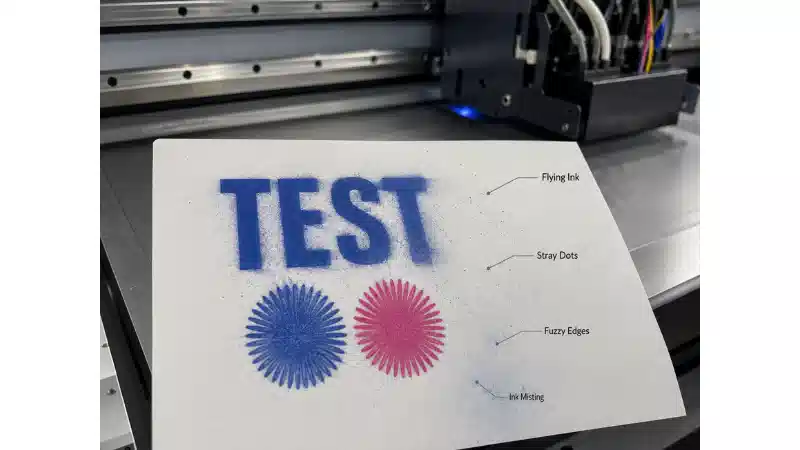


1. Press the PAUSE button to suspend the painting work, then press the PURGE button to move the head to the left side cleaning position.
2. Keep the power of the equipment in the open position, and connect the auxiliary ink tank to the liquid level sensor signal line of the machine head control panel.
3. The showerhead for refill tube (from the ink tank), and then extract the special cleaning fluid to clean glass injector nozzle, methods: 40 ml each use cleaning fluids, every 10 minutes at a time, a total of 3 ~ 4 times.
4. After the universal printer is cleaned, replant the signal line for the ink tube and the liquid level sensor, and then continue the printing operation of the previous suspension.