

1. Press the pause key to pause the device and press the reset button to move the head carriage to the origin.
2. Keep the device power on, press the ink button to see if the ink dripping from the print head is a coherent water.
3. Use the non-woven fabric to remove the residual ink from the surface of the print head.
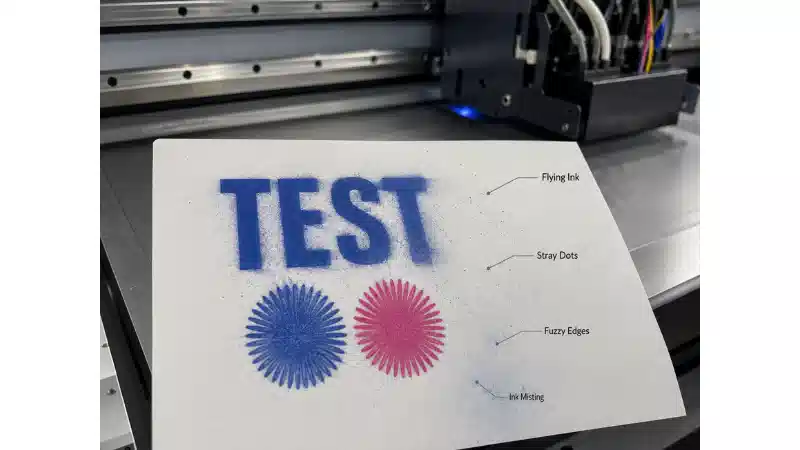
4. Print the test strip, if the lines are coherent and normal, you can start the subsequent printing.