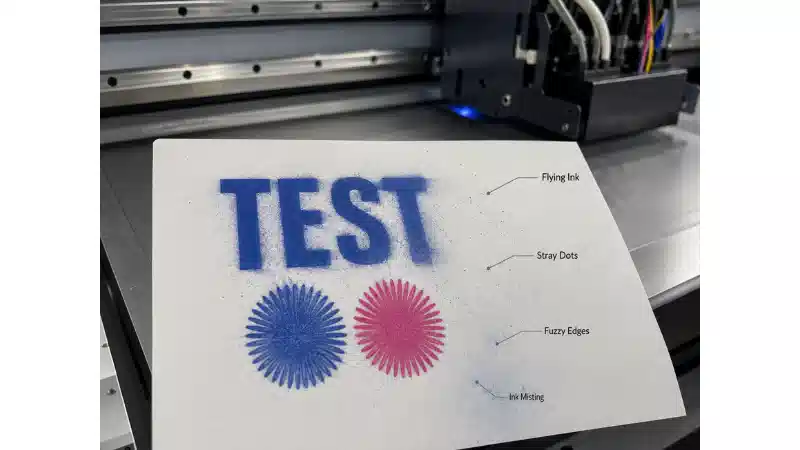


After all the print jobs are completed every day, in order to keep the ceramic printer’s nozzle in the best working condition and to avoid clogging due to the evaporation of the uv ink. Keep the equipment overnight after the nozzle is maintained as follows.
1, Turn off the ceramic printer power.
2, First use a special cleaning solution to clean the sponge, and then pour the liquid on the sponge to soak it and keep it moisturizing.
3, Move the head back to the right side of the cleaning station and keep the nozzle and moisturizing sponge close together.
4, Keep this state for the device overnight.